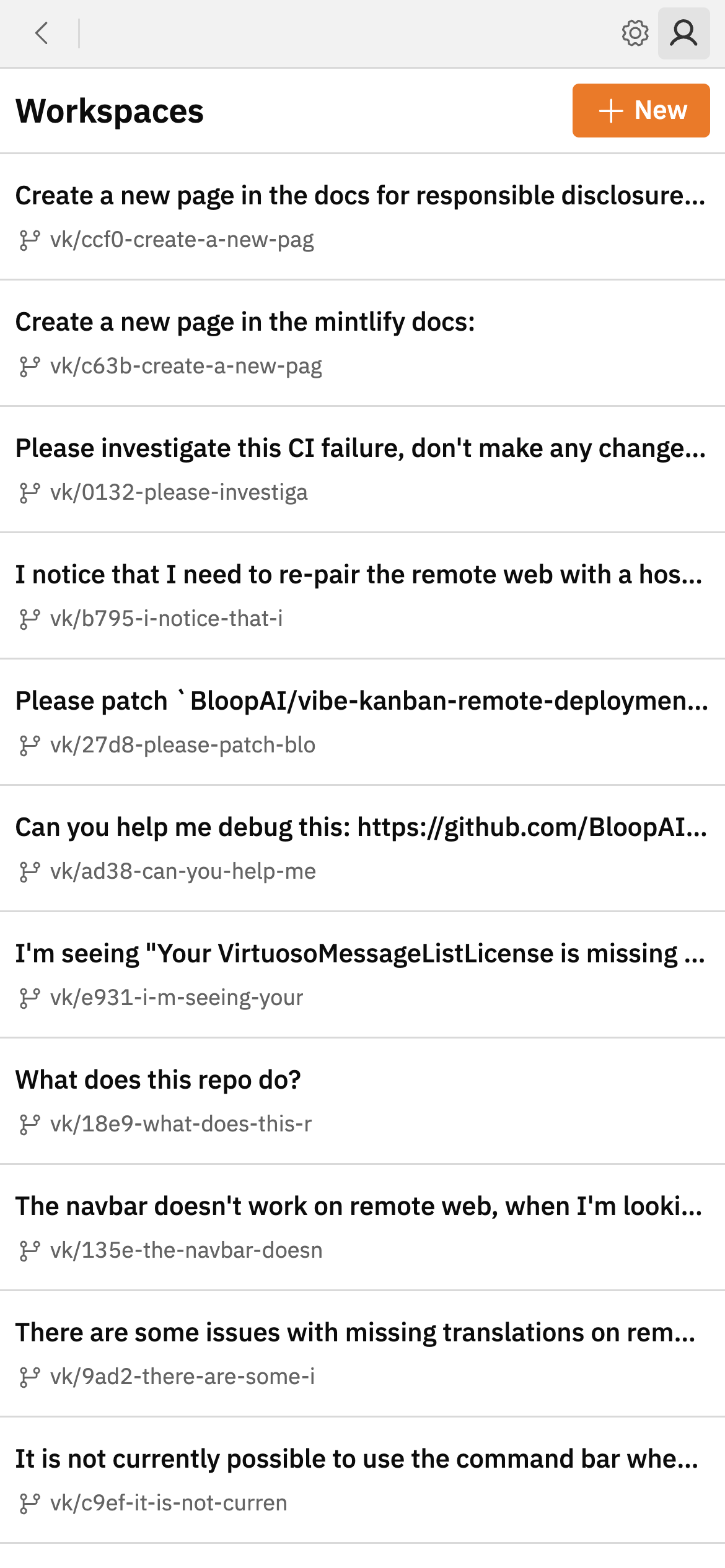
1. Launch Vibe Kanban on the host device
Make sure you’ve started Vibe Kanban and logged in.2. Generate a pairing code
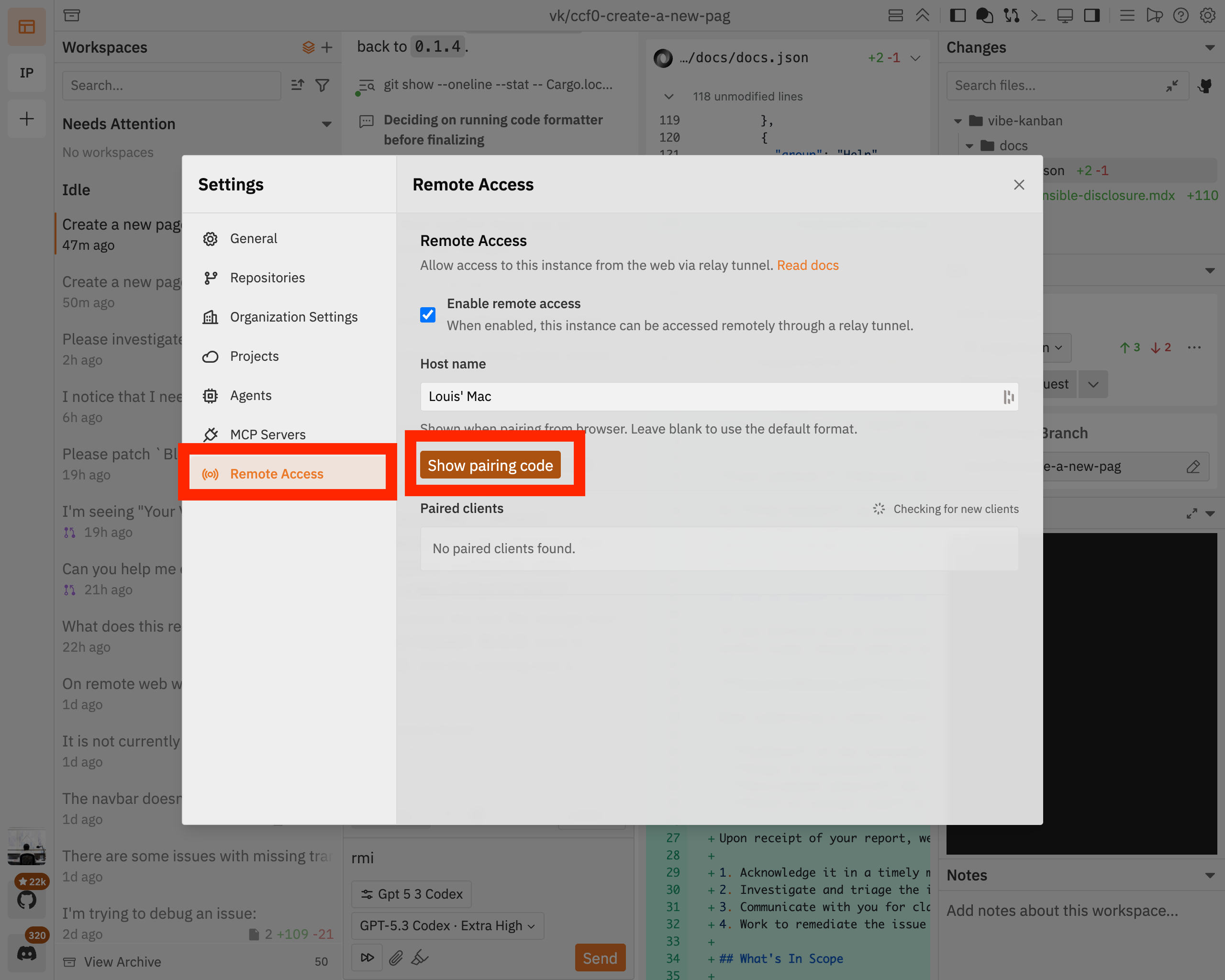
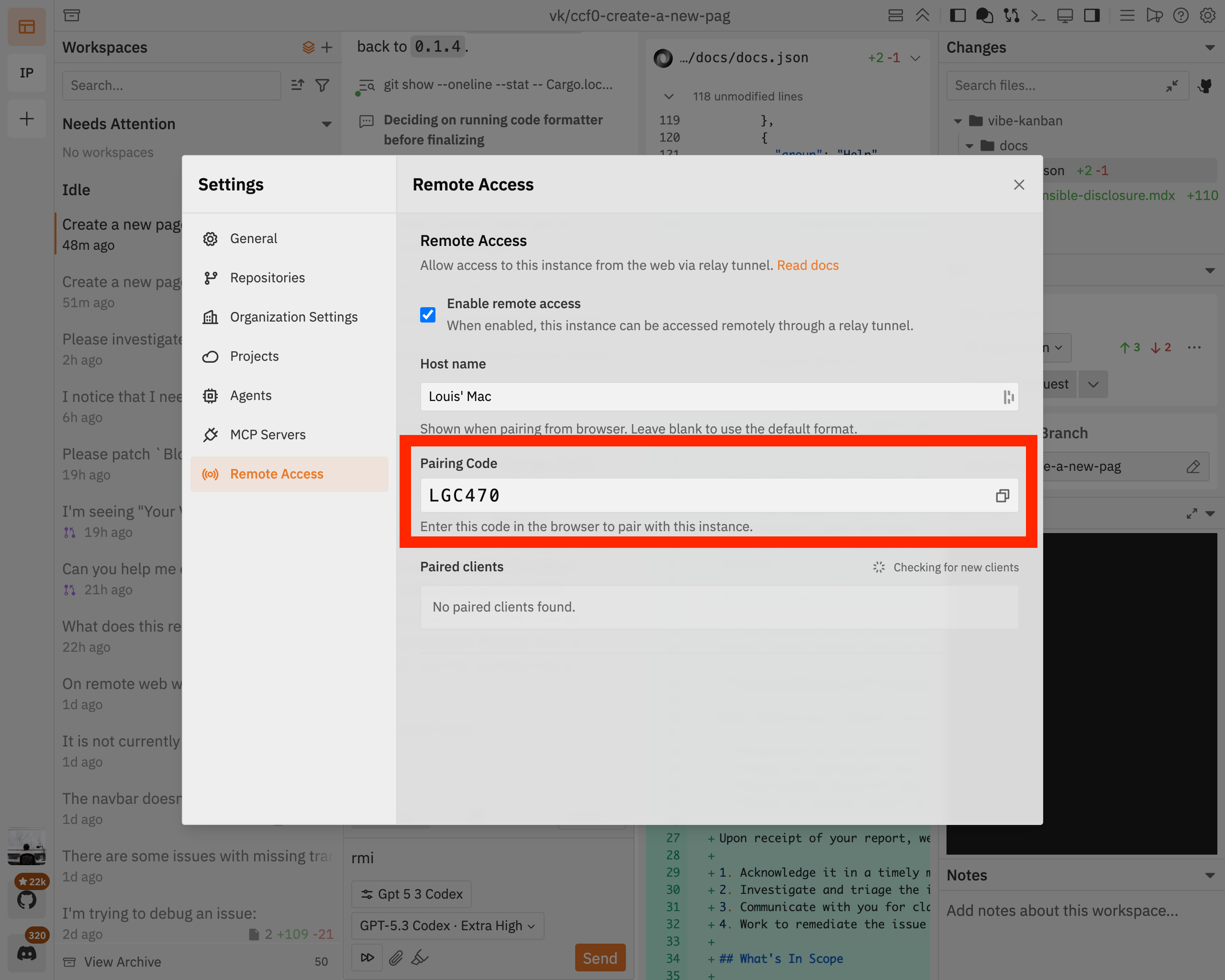
Open the settings dialog, navigate to theRemote Access tab and click Show pairing code:
3. Log into Vibe Kanban cloud
On the client device where you’d now like to access your host machine from, navigate to cloud.vibekanban.com in a browser and log in.4. Pair your client with your host
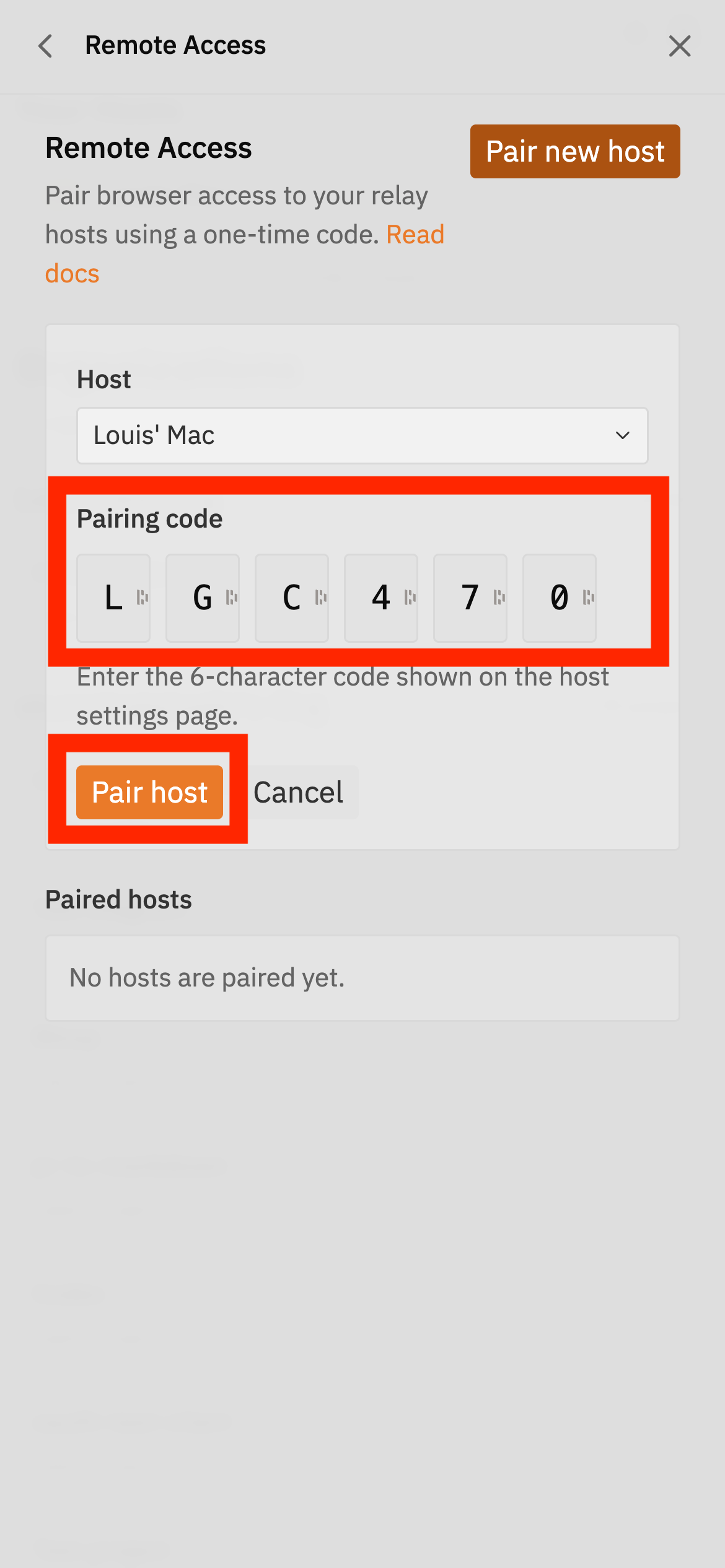
On your client, navigate toRemote Access and click Link a host. Select the relevant host from the dropdown:
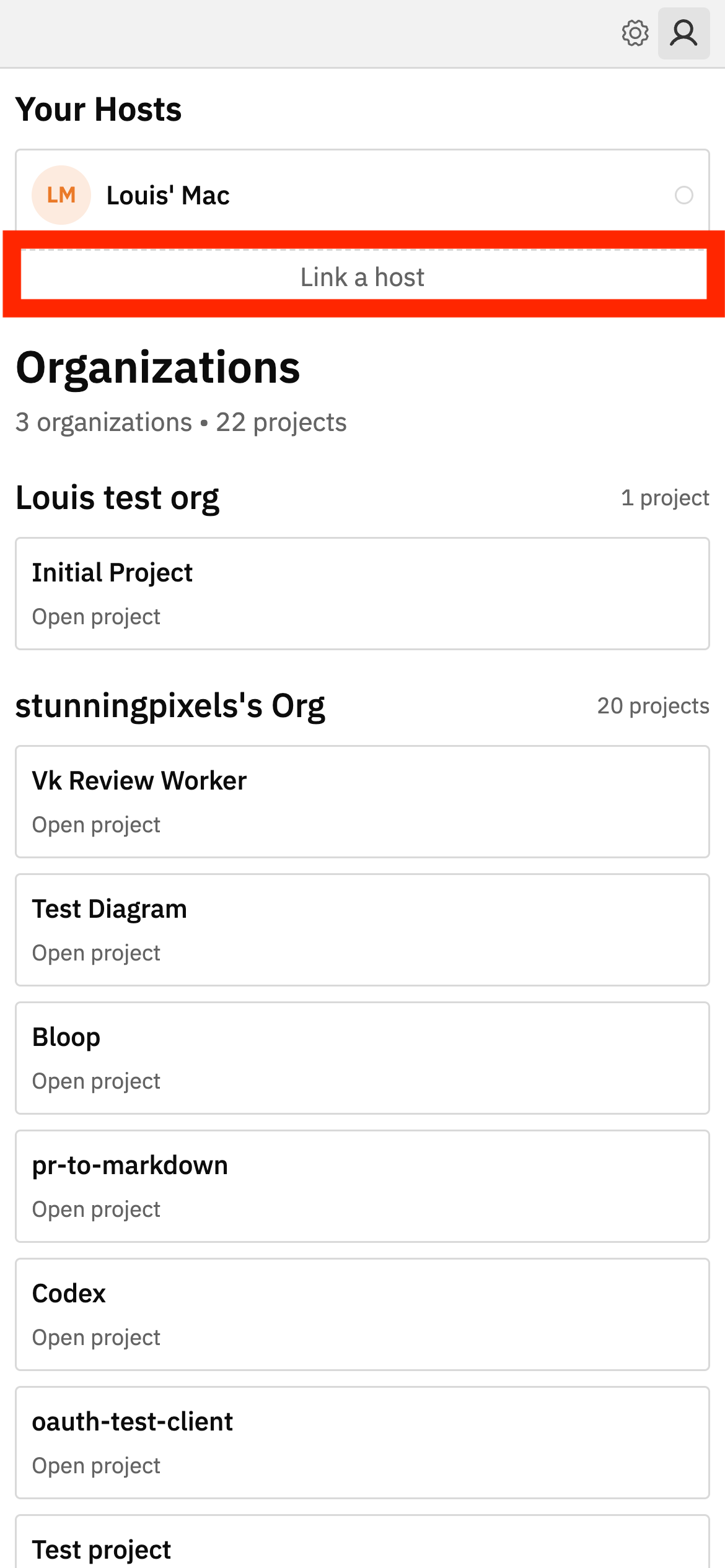
Pair host:
5. Access workspaces from your host device
You can now exit the settings page. You should see the paired host, clicking on the host will list the host’s workspaces.